
For commercial cleaning teams
Your crew sends photos. We make the report.
We match the photos, add the crew’s notes and flag unfinished work. You get a PDF you can check and forward to your client.
Invoiced after you receive the report.
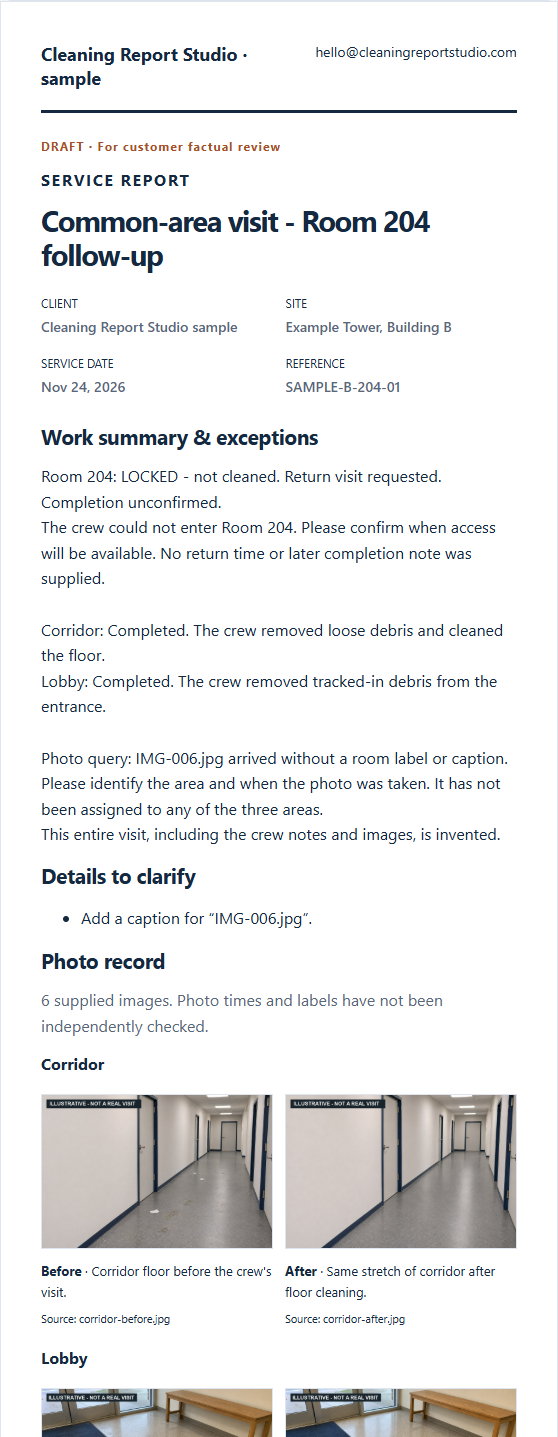
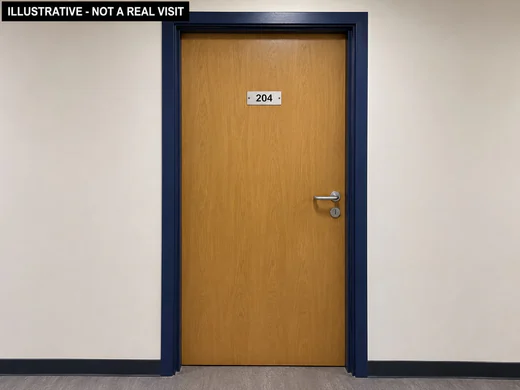 Room 204 · Locked
How it works
-
Send one visit
Once we agree on the job by email, share the crew’s photos and notes as they are, in a folder or a few emails. No need to label them first.
-
We put it together
We group the work by area, pair the before-and-after shots and flag anything the crew needs to clarify.
-
You give the final OK
Check the PDF against the visit, send any corrections and forward the finished report when you’re ready.
Inside the sample report
Messy visits
handled honestly.
At our invented Example Tower visit, the lobby and corridor were finished. Here’s what the property manager still needed to know.
Read the sample PDF- Room 204 was locked
- The crew couldn’t get in. The report records the room as uncleaned.
- A photo had no label
- It stays unassigned. The draft asks the crew which area it shows and when it was taken.
- A return visit was requested
- No return time was recorded. Completion stays unconfirmed until the crew provides an update.
Start with one visit.
Use a real job to see whether handing off the report saves your office time.
What’s included
Up to 15 photos per report, one template with your branding and one combined round of corrections for the batch.
Next four reports $60 total
Optional. If you want to continue after the first report, the next four are paid upfront.
Monthly reporting
After the pilot, we can quote for the number of reports your team actually needs.
Before you
send photos.
Can I share my client’s photos?
Only send photos and notes you have permission to share. Email us about the job first. We’ll agree in writing on what to send, how to send it and who will review it.
What if we already use CompanyCam?
If the export already does the job, keep using it. If a client needs a different layout, send the approved export or labeled photos and notes. We can work from those without access to your account.
When will I get the draft?
Tell us when your client needs it. We’ll agree on a delivery time before you send files. That time runs from when we have the materials we agreed on.
When are the files deleted?
We delete your job files 30 days after you accept the report, unless we agree on a different period in writing. For a deletion request, email the studio with your job reference.